Essential Steps Before Selling Used AirPods Max: How to Properly Reset and Unpair “Find My”
隨著 Apple 新一代音訊產品的推出 AirPods Max 2,許多果粉正計畫將手邊的 AirPods Max 出售以換取升級資金。然而,AirPods Max 不僅是一副高階耳機,它更深度綁定了您的個人 Apple ID。為了確保收購流程順利並保護您的隱私,正確執行硬體重置與解除「尋找」功能是絕對必要的關鍵步驟。
With the launch of Apple’s new generation of audio products, many Apple fans are planning to sell their AirPods Max to fund an upgrade. However, the AirPods Max is not just a high-end headphone; it is deeply tied to your personal Apple ID. To ensure a smooth buyback process and protect your privacy, correctly performing a hardware reset and unpairing the “Find My” feature are absolutely essential steps.
為什麼解除 iCloud 綁定與「尋找」功能如此重要?
Why is Unpairing iCloud and “Find My” Crucial?
Apple 的「啟用鎖定」機制是為了防範設備遺失或遭竊。如果您的 AirPods Max 沒有從您的 iCloud 帳號中徹底移除,下一位使用者將無法順利配對與使用。在青蘋果3C 的收購鐵律中,若設備顯示仍綁定前車主的帳號,我們將無法進行任何估價與收購程序。這不僅是為了保障下一位消費者的權益,更是我們防範贓物、堅持合法交易的底線。
Apple’s “Activation Lock” mechanism is designed to prevent device loss or theft. If your AirPods Max is not completely removed from your iCloud account, the next user will not be able to pair and use it successfully. Under Green Apple 3C’s strict buyback rules, if a device shows it is still bound to the previous owner’s account, we cannot proceed with any valuation or buyback procedures. This is not only to protect the rights of the next consumer but also our baseline for preventing stolen goods and insisting on legal transactions.
AirPods Max 專業重置教學:3步徹底清除資料
Professional AirPods Max Reset Guide: 3 Steps to Wipe Data
請依照以下三個標準步驟,確保您的耳機已經完全恢復至出廠狀態:
Please follow these three standard steps to ensure your headphones are completely restored to factory settings:
步驟一:從藍牙設定中「忘記此裝置設定」
開啟 iPhone 的「設定」>「藍牙」,找到您的 AirPods Max,點擊旁邊的「i」圖示,然後選擇「忘記此裝置設定」。
[圖片提示:在此插入 iPhone 藍牙設定畫面,並標示「忘記此裝置設定」按鈕]
Step 1: “Forget This Device” in Bluetooth Settings
Open “Settings” > “Bluetooth” on your iPhone, find your AirPods Max, tap the “i” icon next to it, and select “Forget This Device”.
步驟二:從「尋找」APP 中移除裝置
開啟「尋找」(Find My) APP,點選「裝置」列表,選擇您的 AirPods Max,向上滑動選單並點擊「移除此裝置」。這是最核心的解鎖步驟。
[圖片提示:在此插入「尋找」APP 畫面,並標示「移除此裝置」的紅色字體]
Step 2: Remove the Device from the “Find My” App
Open the “Find My” app, tap the “Devices” tab, select your AirPods Max, swipe up on the menu, and tap “Remove This Device”. This is the most critical unlocking step.
步驟三:硬體恢復原廠設定
確認耳機有電後,同時按住「噪音控制按鈕」與「數位旋鈕」大約 15 秒,直到耳罩底部的狀態指示燈閃爍琥珀色,接著閃爍白色,即代表重置成功。
[圖片提示:在此插入手指同時按壓 AirPods Max 噪音控制按鈕與數位旋鈕的示意圖]
Step 3: Hardware Factory Reset
Ensure the headphones have some charge, then press and hold both the Noise Control button and the Digital Crown for about 15 seconds. Wait until the status light at the bottom of the earcup flashes amber, then white, indicating a successful reset.
防範山寨假貨:實體門市的職人級連線檢測
Countering Fakes: Artisan-Level Connection Testing at Physical Stores
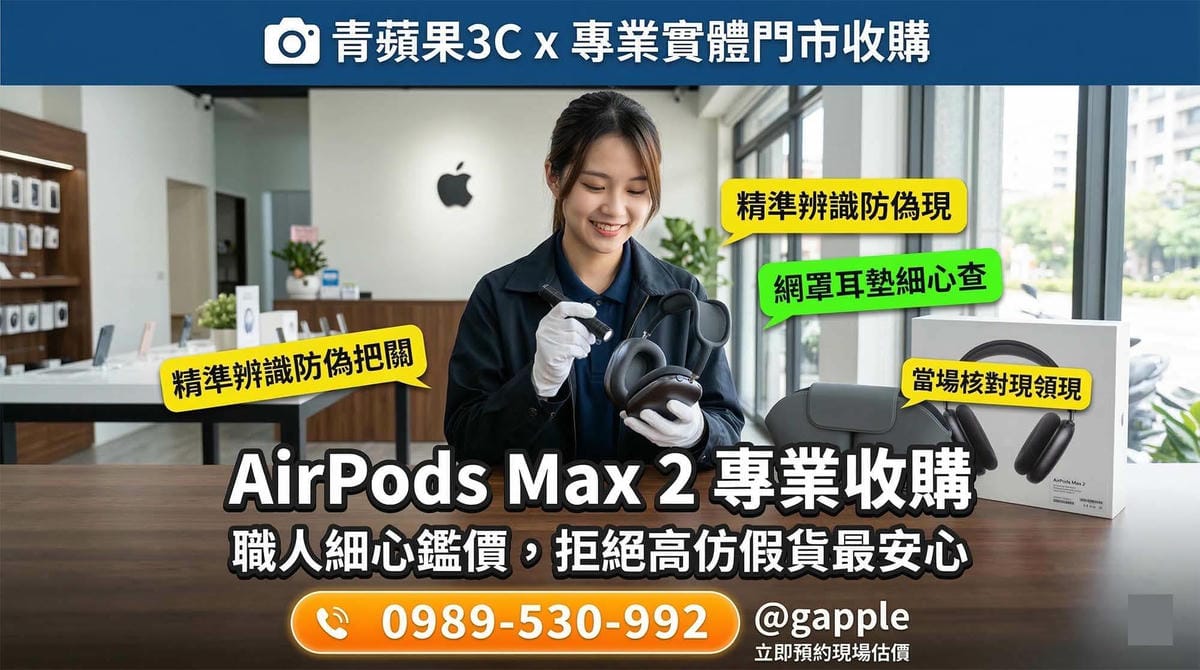
市面上 AirPods Max 的高仿品層出不窮,甚至能偽造彈窗動畫與序號。因此,我們堅持顧客必須將設備親自帶至實體門市。青蘋果3C 的職人會於現場進行精確的配對連線測試、音質與降噪深度檢測,並透過韌體版本查驗,確保設備為百分之百的 Apple 原廠正品,給予您最真實且公允的市場報價。
The market is flooded with high-quality counterfeit AirPods Max that can even fake the pop-up animation and serial numbers. Therefore, we insist that customers bring their devices to a physical store in person. Green Apple 3C’s artisans will conduct precise pairing tests, audio quality and noise-cancellation depth inspections, and firmware version checks on-site. This ensures the device is a 100% authentic Apple product, providing you with the most realistic and fair market valuation.
青蘋果3C 嚴格把關,安全交易換現金
Green Apple 3C Strict Verification for Secure Cash Transactions
在確認設備已完美重置且為原廠正品後,我們將依照國家法規嚴格進行核對身分,這不僅是為了防範洗錢與贓物,更是為了保障買賣雙方的絕對安全。若您已經準備好出售您的耳機,歡迎參考我們的👉 Apple Watch 與 AirPods 專業收購流程,確認報價無誤後,我們將當場讓您領取現金,體驗最高效率的無縫升級。
After confirming the device is perfectly reset and authentic, we will strictly verify your identity in accordance with national regulations. This is not only to prevent money laundering and stolen goods but also to ensure the absolute safety of both buyers and sellers. If you are ready to sell your headphones, please refer to our 👉 Professional Buyback Process for Apple Watch and AirPods. Once the quote is confirmed, you will receive cash on the spot, experiencing the most efficient and seamless upgrade.
- 官方 LINE 線上諮詢:@gapple (https://lin.ee/oDJPttL)
- 台中一中旗艦店:台中市北區一中街273號
- 台中店(三賢店)⚠️ 採預約制:台中市東區三賢街113號2樓
- 台南店:台南市南區西門路一段565號
- 高雄店:高雄市左營區博愛二路638號
- Official LINE Online Consultation: @gapple (https://lin.ee/oDJPttL)
- Taichung Flagship Store: No. 273, Yizhong St., North Dist., Taichung City
- Taichung Store (Sanxian) ⚠️ By Appointment: 2F, No. 113, Sanxian St., East Dist., Taichung City
- Tainan Store: No. 565, Sec. 1, Ximen Rd., South Dist., Tainan City
- Kaohsiung Store: No. 638, Bo’ai 2nd Rd., Zuoying Dist., Kaohsiung City